Ask AI
anything
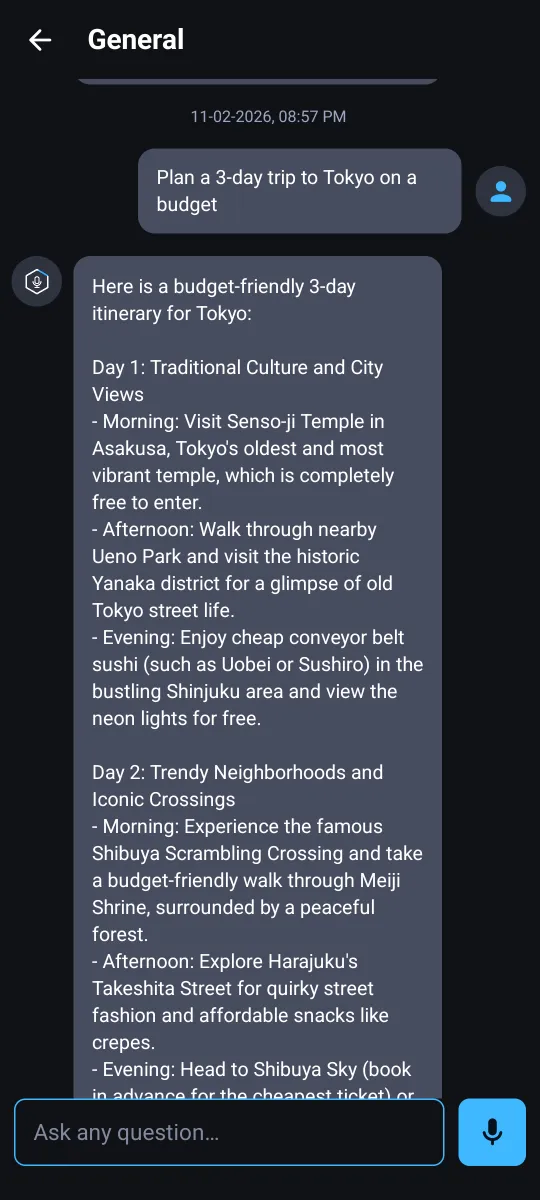
Type or talk, and get a clear answer in seconds. Write, study, plan and create with one smart assistant.
One assistant
for every question
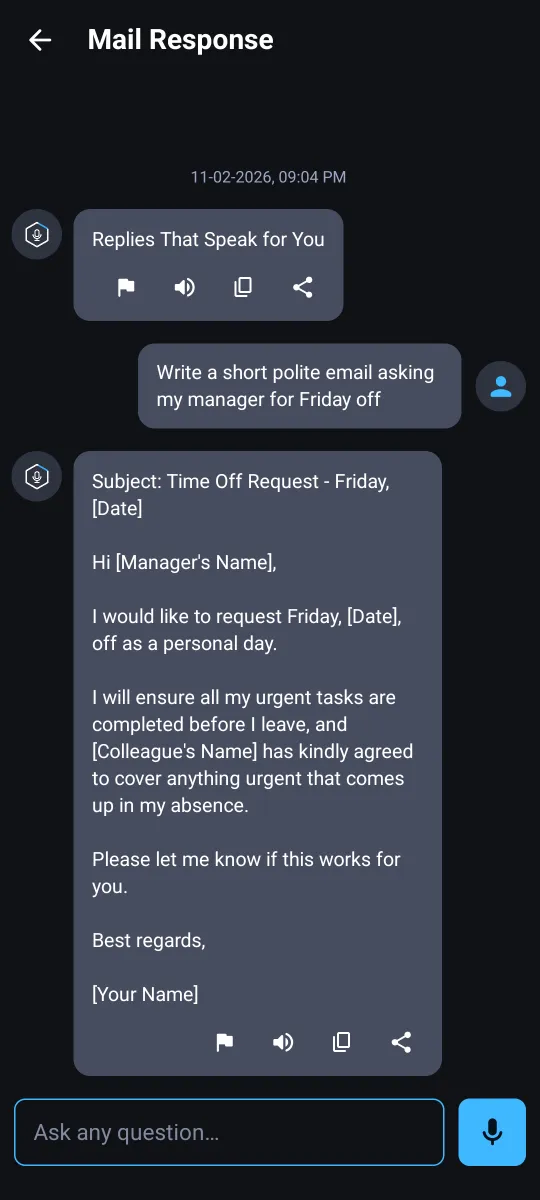
Homework, emails, travel plans or a quick fact check.
- Remembers the conversation, so follow-ups feel natural
- Replies in the language you write in
- Copy, share or listen to any answer
Practice English
out loud
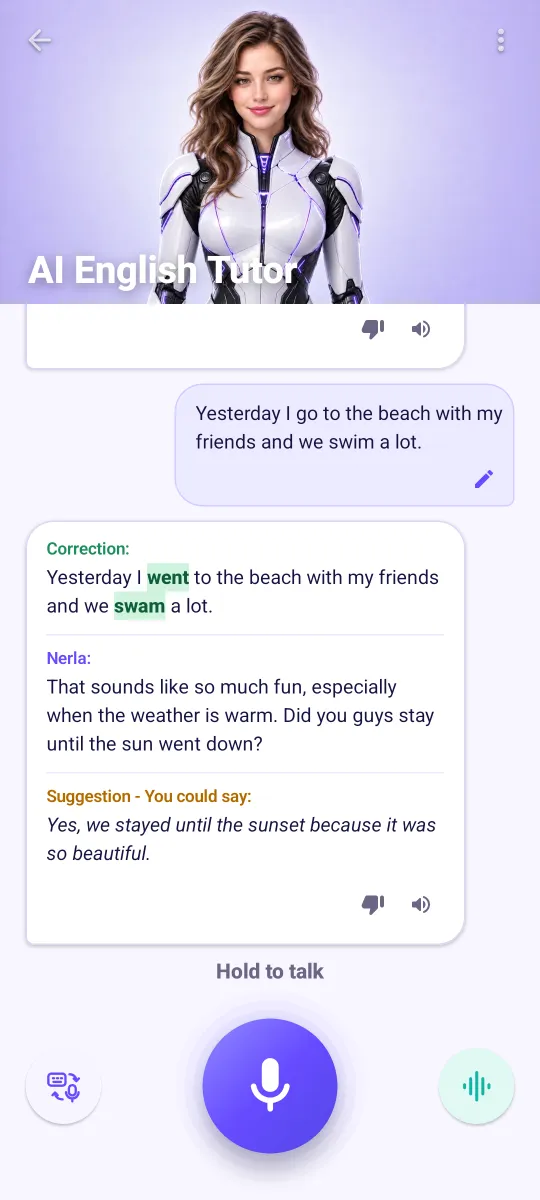
Talk with Nerla and learn from every mistake.
- CorrectionYour sentence, with every fix highlighted.
- NerlaA natural reply that keeps the talk going.
- SuggestionA better way to say what you mean.
Turn your words
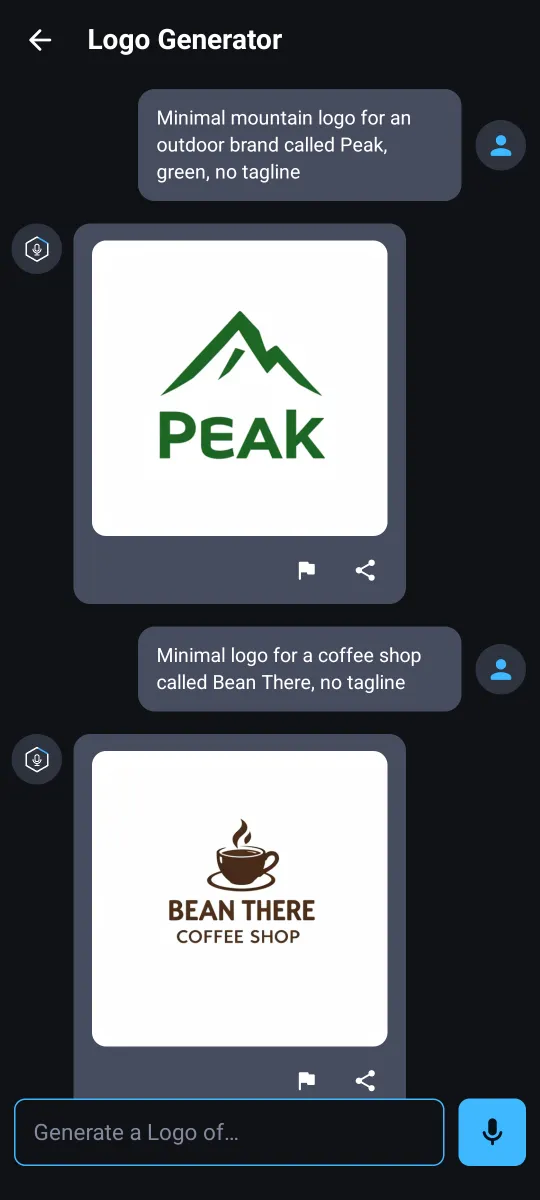
into images & logos
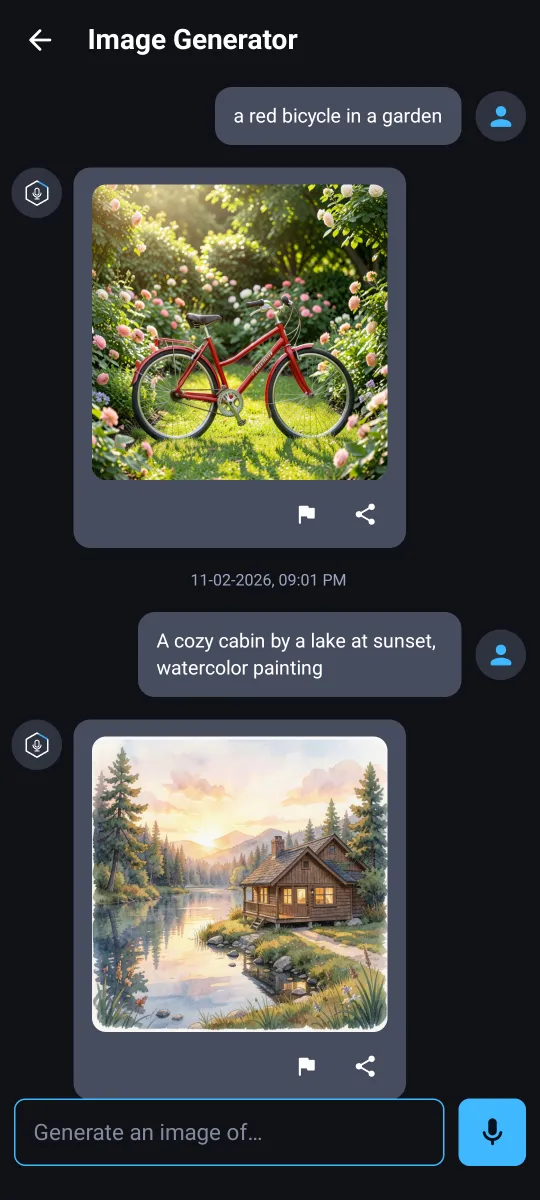
Describe it in your own words. AI draws it in moments.
- Scenes, art styles and ideas from a single sentence
- Logo ideas from your brand name, style and colors
- Save or share every result
25+ experts,
one tap away
Pick a ready-made assistant focused on one job.













- ✍️ WritingBlogs, articles, product copy and poems
- 📚 StudyTutors, language learning and translation
- 💼 WorkInterviews, career advice and coding help
- ✈️ TravelDestinations, tips and local culture
- 😄 FunComedian, philosopher and astrologer
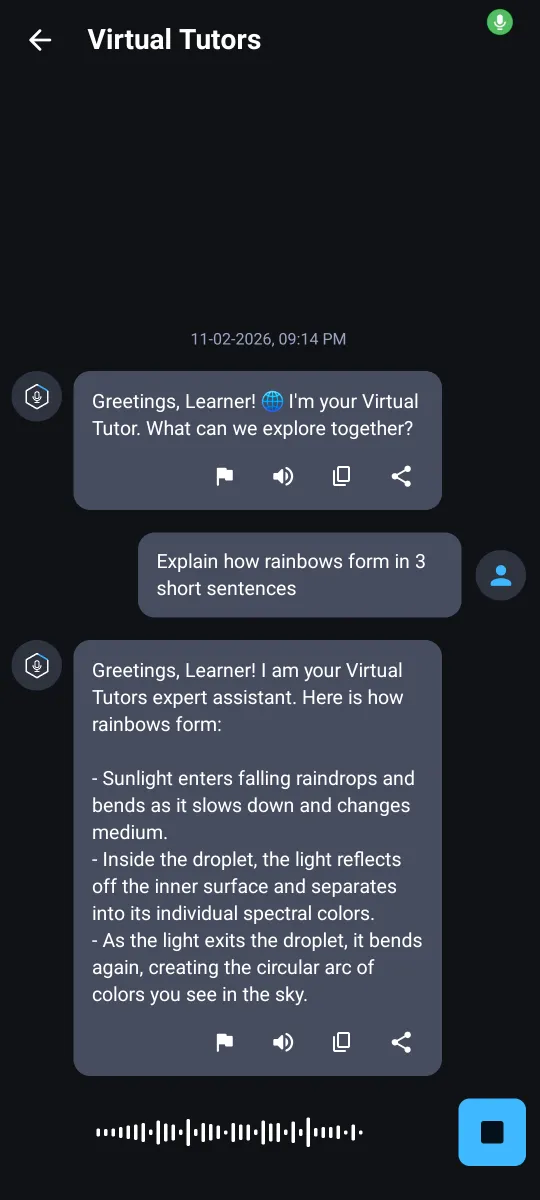
Ask with your voice
Ask hands-free with the microphone, then tap the speaker to hear any answer read aloud.
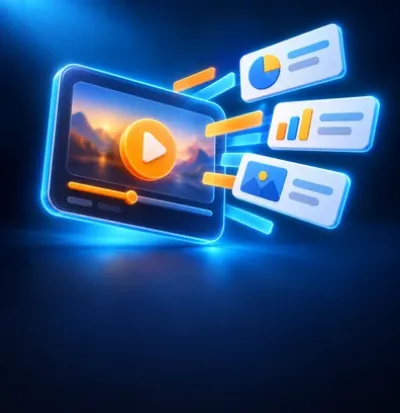
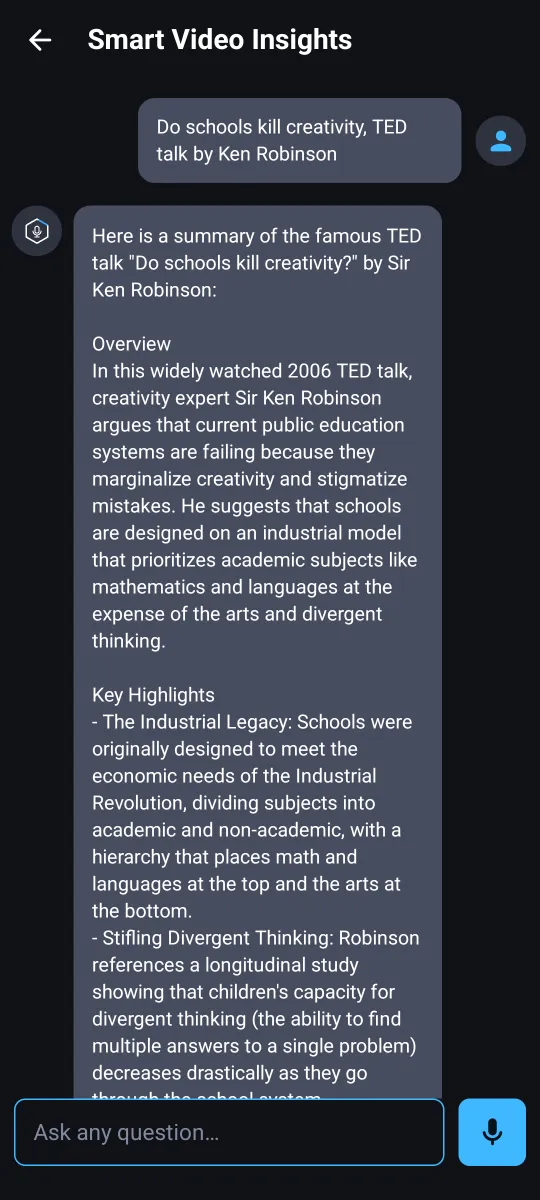
Know what a video covers
Type the title of a well-known video or show, and get a quick overview of what it covers.
Get answers in three steps
Pick a tool or expert
Start a general chat, or open the English Tutor, an image tool or one of 25+ AI experts.
Type or talk
Write your question or hold the mic and say it. Ask follow-ups as you would with a friend.
Copy, share or listen
Use the answer right away, hear it read aloud, or come back to it later in History.
See it in action
Swipe to see more →
Questions, answered
Is Smart Assistant free?
Yes. Smart Assistant is free to download and includes a few free prompts every day. Premium removes ads and unlocks unlimited prompts and the Logo Generator. Premium is an auto-renewing weekly subscription; the price and any free trial are shown before you subscribe, and you can cancel anytime in Google Play → Payments & subscriptions.
Which languages does it speak?
The assistant replies in the language you write in, and the app itself is available in more than 20 languages. The English Tutor lets you choose 100% English, or English with help in your own language.
Does the app need the microphone?
Only when you choose to talk, for example in voice chat or with the English Tutor. Your speech is turned into text by your phone's speech recognition service, and the app does not upload audio recordings.
Where is my chat history saved?
Your chat history is saved on your device. You can share or delete any conversation from History. You don't need an account to use the app.
Are the AI answers always right?
Answers and images are created by AI and may be inaccurate or incomplete. Please check important information, and don't rely on the app for medical, legal or financial decisions. You can report any answer with the flag button, or use Report Us in Settings.
Which devices are supported?
Smart Assistant is available for Android phones on Google Play.
Your smart assistant is ready
Download Smart Assistant and ask your first question today.
Get it onGoogle Play